
Protecting your villa starts with knowing what happens around your property. From visitors at the entrance to movement near the driveway and garden, a carefully planned CCTV system helps you monitor important areas and review recorded activity when needed.
The best CCTV cameras for villas in Dubai are the cameras that match your property’s layout, lighting conditions and security priorities. Clear footage depends on more than resolution: lens selection, installation height, night performance and recording settings all matter.
Planning a new system or upgrading existing cameras? Speak with JAFSD Smart Security Solutions about your villa’s monitoring requirements.
Start with what you need each camera to capture. A camera overlooking a garden serves a different purpose from one positioned to record visitors at the front door.
For a permanent installation, consider a wired IP camera system with local recording. Select outdoor cameras according to their weather protection, operating temperature and performance in the actual lighting conditions. Add wireless cameras where they suit a specific location and reliable connectivity is available.
Camera option | Where to consider it | What to check |
Outdoor turret camera | Entrances, patios and side access | Viewing angle, mounting position and night image quality |
Outdoor bullet camera | Boundaries and driveway approaches | Lens reach, exposure and weather protection |
Compact dome camera | Covered entrances and indoor common areas | Reflections, mounting height and required impact protection |
Varifocal camera | Locations needing a carefully adjusted view | Lens range and detail at the target distance |
Wi-Fi camera | Selected areas where cabling is difficult | Signal strength, power supply and recording method |
Choose the camera model after assessing the location rather than using the same specification throughout the property.
A wide view can show activity across a large area, but people farther from the camera may appear too small for useful identification. Decide whether each location needs an overview or a closer image.
Ask to see recorded footage at the intended viewing distance. A megapixel specification alone cannot show how well a camera will capture a moving person at night.
Check the entrance, driveway and garden after dark before choosing cameras. Infrared cameras can record in darkness, while colour night footage depends on the model and available or supplementary lighting.
Position cameras to reduce glare from nearby walls, vehicle headlights and reflective surfaces. Test the final view with someone walking through the monitored area.
For exposed locations, check both the camera’s weather protection rating and its specified operating temperature. Weather resistance does not automatically mean a camera is suitable for every mounting position.
Cable connections, junction boxes and mounting accessories also need appropriate protection. Where possible, plan positions that reduce direct exposure while preserving the required view.
A shaded doorway facing a bright outdoor area can produce an image with strong contrast. Wide Dynamic Range, or WDR, helps cameras handle these conditions.
Check the entrance view during the day to see whether visitors remain visible against the bright background.
Compatible cameras can provide person or vehicle detection. These features can help make alerts more relevant when configured correctly.
Set detection zones around access routes and exclude unnecessary areas where possible. Trees, passing traffic and changing light can otherwise create unwanted notifications.
Remote viewing should be convenient and protected. Use unique passwords, keep supported devices updated and give access only to people who need it.
When selecting a system, ask how user permissions, software updates and remote access will be managed.
Plan coverage around entry routes and vulnerable access points.
Avoid placing a camera so high that it mainly captures the tops of people’s heads. Check whether walls, parked vehicles, landscaping or outdoor furniture block important views.
Frame cameras around your own property and minimise unnecessary coverage of neighbouring private areas.
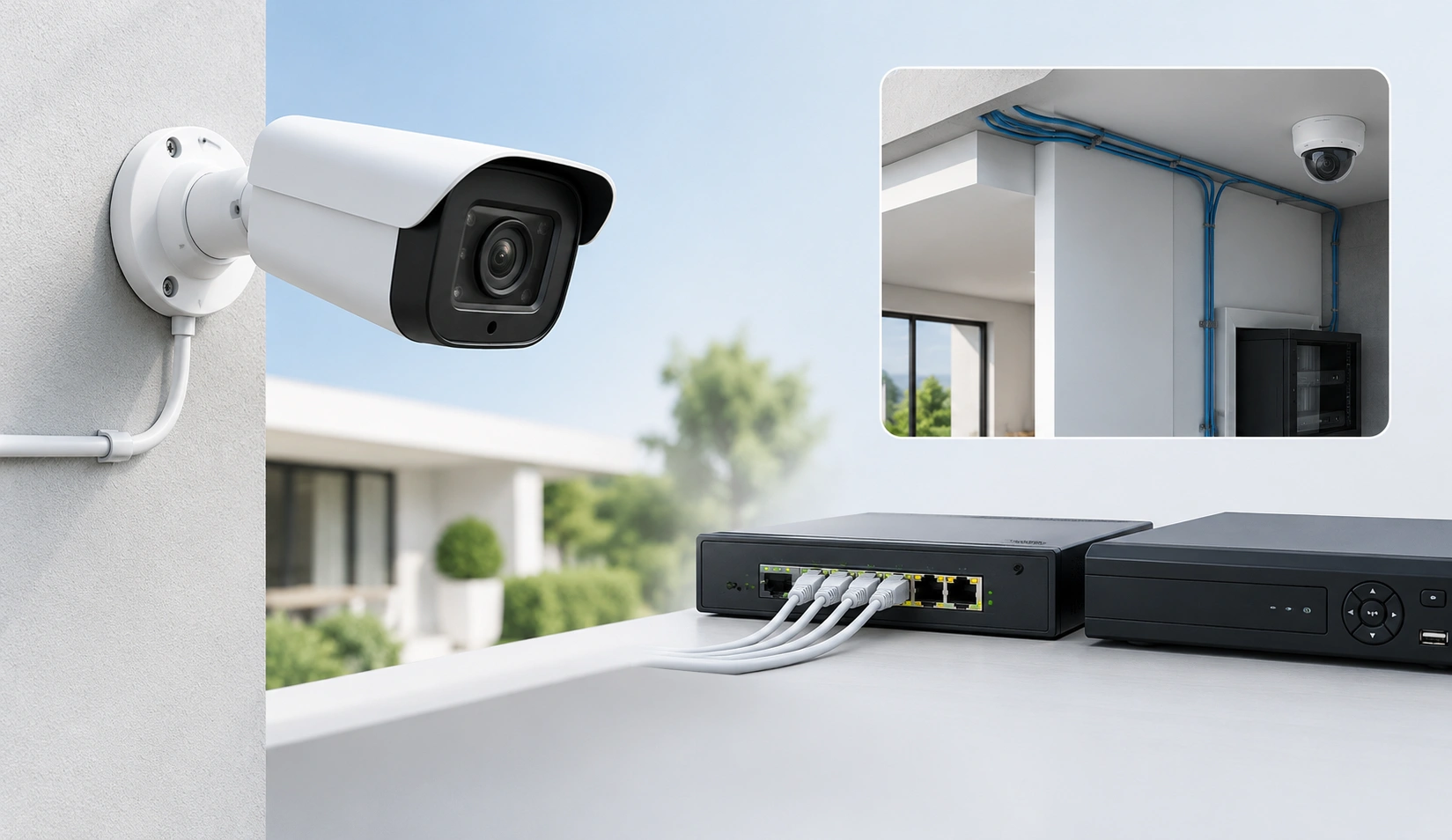
Wired cameras are worth considering when you want a permanent system with several recording points. Compatible Power over Ethernet cameras receive power and transmit data through a network cable.
Installation needs planned cable routes, suitable network equipment and a compatible recorder. Discuss cable concealment before work begins, especially in a finished villa.
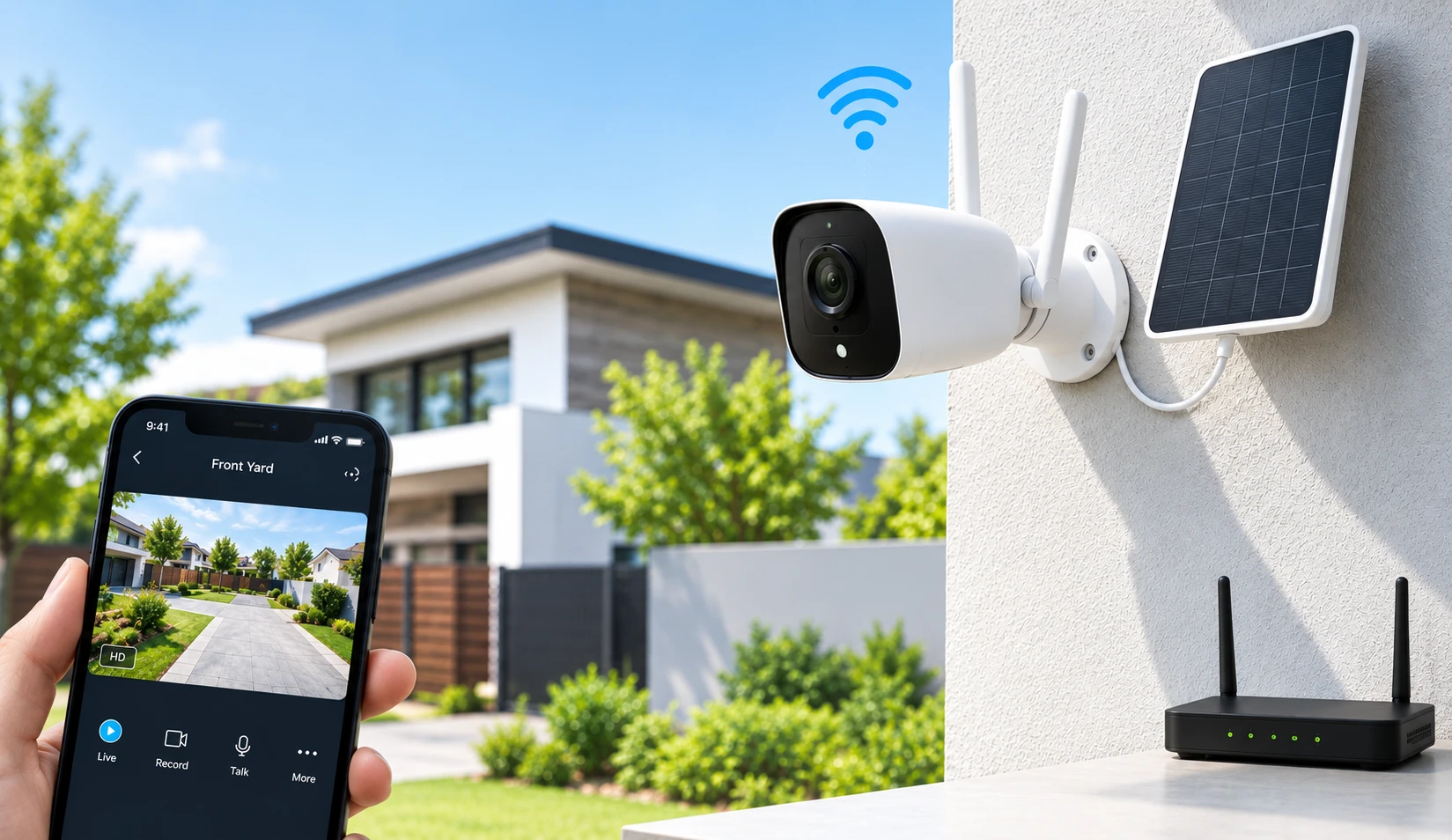
Wireless cameras can suit selected locations where installing network cable is difficult. However, Wi-Fi cameras still need a power source unless they use batteries or another supported power arrangement.
Check connectivity at the actual mounting position. Also confirm whether the selected camera records continuously, records only events or requires a subscription for particular features.
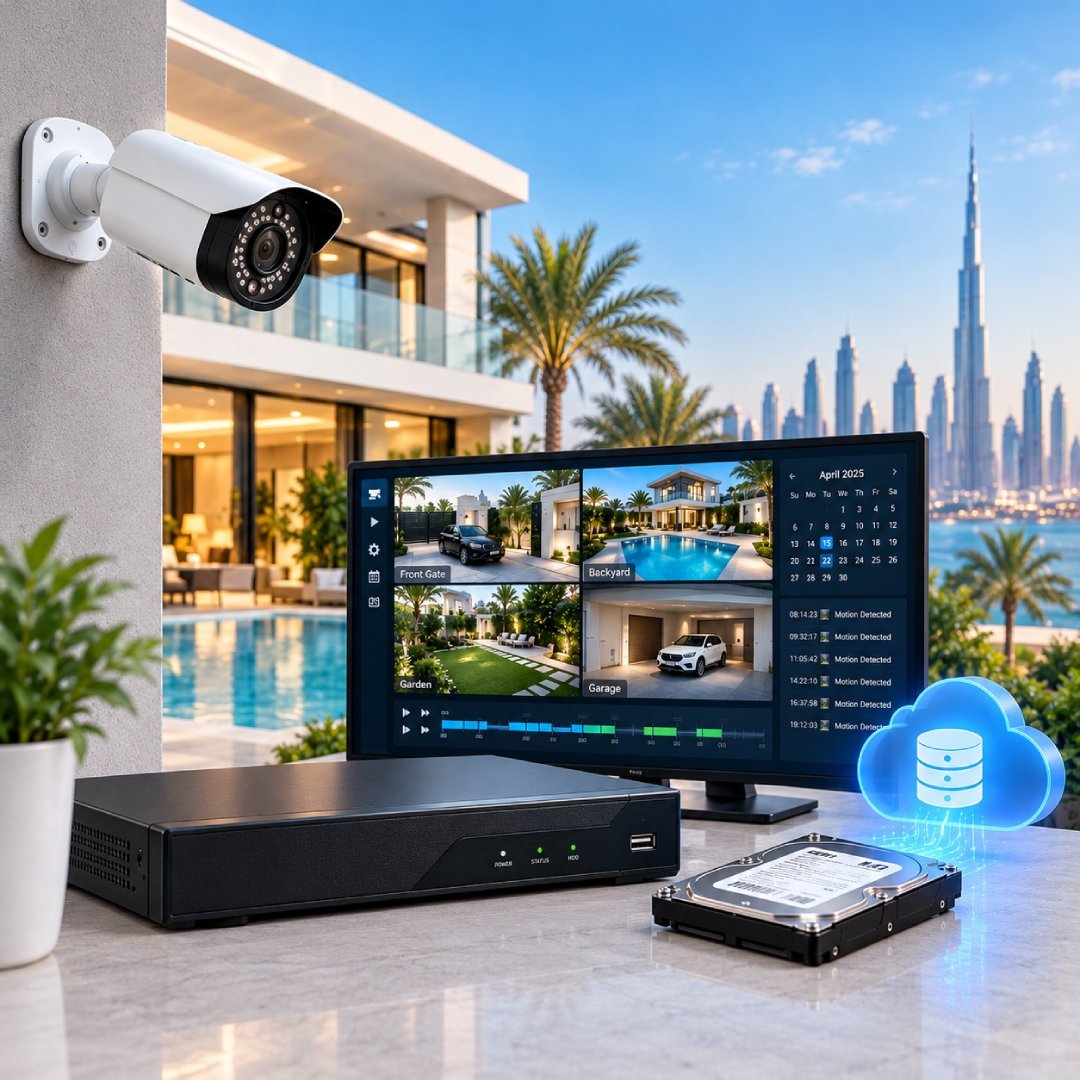
Choose storage according to how much footage you need to retain and how the cameras will record.
Your storage requirements depend on:
Ask for an estimate based on the proposed settings. A hard-drive capacity by itself does not guarantee a particular number of recording days.
For local recording, place the recorder in a secure, ventilated location. Consider backup power for the recorder, cameras and relevant network equipment if recording during short power interruptions is important.
The total cost depends on the equipment and the work needed at your property. Camera quantity, lens selection, recorder capacity, storage, cable distances and access to mounting locations can all affect the quotation.
Before comparing offers, check that each quotation identifies the camera models, recording settings, storage allowance and installation scope. Confirm whether VAT, additional cabling, concealed wiring, network upgrades and ongoing subscriptions are included.
A clear quotation makes it easier to compare complete systems and avoid unexpected additions.
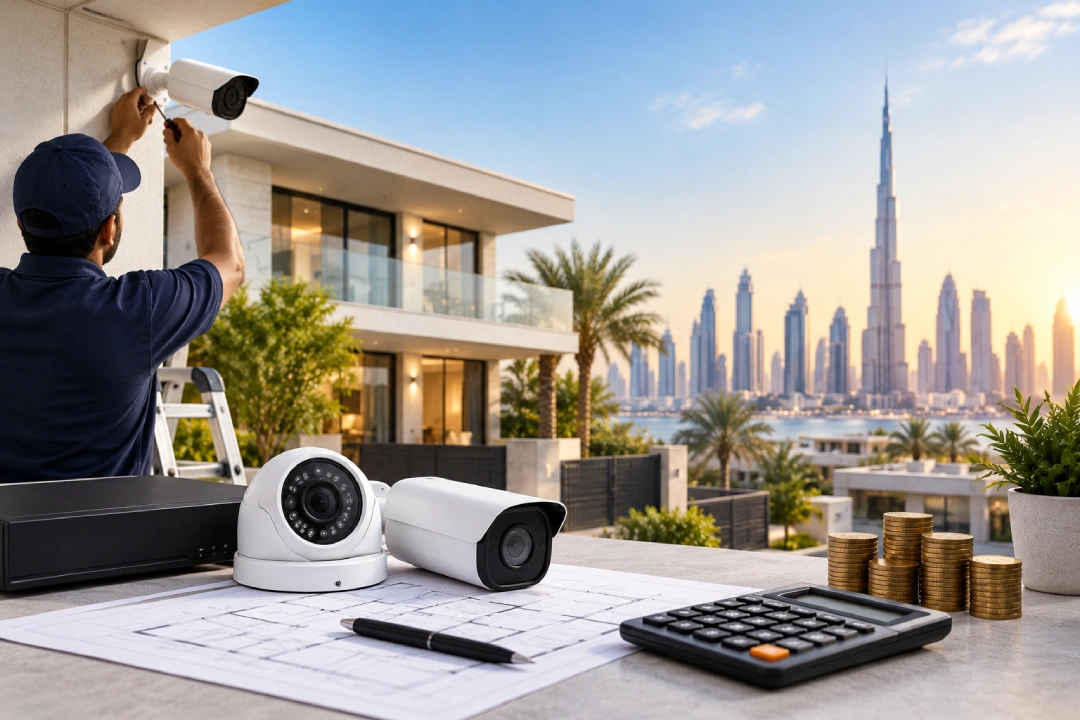
The best choice depends on the location and monitoring goal. Look for suitable outdoor protection, useful night footage, an appropriate lens and a reliable recording system. Assess individual models rather than choosing on brand or resolution alone.
Not every location needs 4K. Higher resolution can provide additional detail, but lens choice, viewing distance, lighting and recording settings determine whether that detail is useful. Compare sample footage before deciding.
The number depends on the layout, access routes and obstructions. Identify the areas you need to monitor, then plan camera positions to cover them. Floor count or bedroom count alone is not enough to determine camera quantity.
A correctly configured local recording system can record without internet access while its cameras, recorder and local network remain powered and connected. Remote viewing and cloud services generally require internet access.
Compatible systems support mobile viewing. Remote access depends on the equipment, app configuration and connectivity. Ask for a demonstration of live viewing, playback and user access before handover.
General surveillance cameras do not guarantee readable plates. If plate capture is a priority, discuss a dedicated solution designed around vehicle speed, distance, camera angle and lighting.
Check the model’s specified operating temperature, weather protection and mounting requirements. Also assess night performance and protect outdoor connections. Confirm that the complete installation suits the location.
An upgrade may be possible, depending on the existing cameras, cabling, recorder and network equipment. Have compatibility checked before buying replacements, and identify whether the main problem is image quality, coverage, storage or access.
Contact Us
Whether you need coverage for a single entrance or several areas around your villa, start with a clear description of what you want to monitor.
Share your property layout, existing camera details and the areas where visibility matters most with JAFSD Smart Security Solutions. Discuss camera options, recording requirements and installation scope before choosing your system.
WhatsApp us